(11)
Refurbished price:$1,361.41
Versus $1,499.00 new

Updated on August 24, 2026
August 24, 2026
19 mins read

Haziq
The best MacBook for college is the MacBook Air M5. It offers the best combination of performance, portability, battery life, and long-term value, making it a laptop that can comfortably last through an entire degree. Unless your degree involves demanding workloads like engineering simulations, 3D modeling, or professional video editing, you don’t need the extra power or added cost of a MacBook Pro. If the Air M5 is outside your budget, you can get the MacBook Neo or refurbished MacBook Air models like the M3 or M2 that deliver many of the same benefits for significantly less.

✨The MacBook Air M5 is the best MacBook for most college students thanks to its excellent balance of portability, performance, battery life, and future-proofing. If you’re looking to save money, a refurbished MacBook Air M3 offers the best value, while the MacBook Air M2 is the top budget pick. Students who only need a laptop for everyday coursework can also consider the MacBook Neo, but for the best long-term experience, choose a MacBook with at least 16GB of unified memory and 512GB of SSD storage. Only students with demanding workloads, such as engineering, architecture, advanced computer science, or professional video editing students, should consider a MacBook Pro.
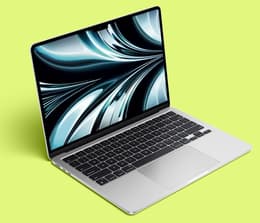
Best MacBook for students overall
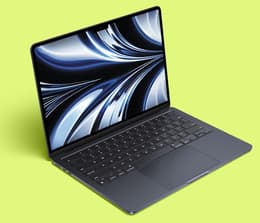
Best value MacBook for students
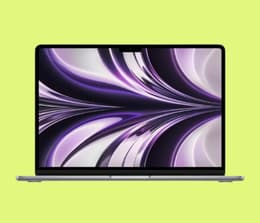
Best budget MacBook for students
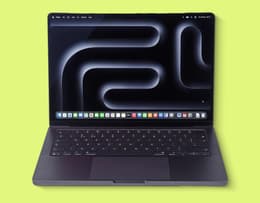
Best performance MacBook for students

Best new budget MacBook for students
Choosing a MacBook for college isn’t just about picking the newest model. What you want is a laptop that fits your budget, works for your major, and will still be reliable by the time you graduate. That’sexactly how we approached this list, which we created so that you don’t have to. We did the research and compared MacBook Air and Pro models based on the factors students care about most, including performance, battery life, portability, value, and long-term usability. And since you’re buying a laptop for college, we also considered different study needs, whether you’re writing essays, coding, editing videos, or tracking demanding coursework. If a refurbished MacBook offers better value than buying new, we’ll tell you that too, so you can make a confident buying decision without overspending.
“The MacBook Air’s biggest advantage is its lightweight, fanless design. It’s easy to carry between classes and operates completely silently – ideal for lectures, libraries, and study spaces. Combined with all-day battery life, it’s well-suited to students who spend long hours away from power outlets.” - Macworld
The best MacBook for college students in 2026 is ultimately the one that fits your coursework, budget, and long-term needs. For most students, that’s the MacBook Air M5 thanks to its lightweight design, all-day battery life, and reliable performance. If your degree involves video editing, graphic design, or other demanding tasks, though, a MacBook Pro may be the better choice, while the MacBook Neo is a solid option for students shopping on a tighter budget.
No matter which model you choose, look for the one that will last throughout your degree without stretching your budget. That’s why a refurbished MacBook can be a smart buy, giving you the performance and reliability you need at a lower price.
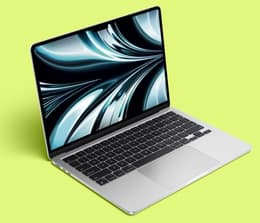
The MacBook Air M5 is the best MacBook for students overall.
Pros ✅ | Cons ❌ |
|---|---|
Excellent performance | More expensive than previous models |
All-day battery life | Memory and storage can’t be upgraded |
Highly portable | Limited amount of ports |
Future-proof starting specs | Not ideal for demanding workloads |
Excellent everyday experience |
✨ The MacBook Air M5 is the best all-around choice for most college students, offering the ideal balance of portability, performance, and long-term value.
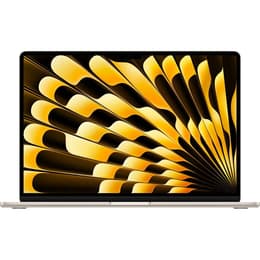
The MacBook Air M5 is the best all-around choice for most college students. It offers the best balance of portability, performance, and longevity. Available in 13-inch and 15-inch sizes, it’s thin and lightweight enough to carry comfortably between lectures, while the larger model gives you more real estate if you regularly work with split-screen apps. Apple rates the MacBook Air M5 for up to 18 hours of video streaming or 15 hours of wireless web browsing, so it can comfortably get you through a full day of classes.
The M5 model comes with 16GB of unified memory and 512GB of SSD storage as standard, giving you plenty of room to keep your projects on the laptop and still have everything run smoothly. If you’restudying business, nursing, education, computer science, or most humanities courses, it offers more than enough performance to handle your workload for the next 4 years. It’s also a great choice for light creative work, including photography, graphic design, and light-to-moderate video editing thanks to its powerful M5 chip and AI-ready Neural Accelerators.
Community discussions suggest that most students are better served by a MacBook Air, as it provides enough performance for typical coursework while remaining lighter and more affordable than a MacBook Pro. However, if your degree relies on 3D rendering, heavy engineering applications, or professional video editing, you’ll benefit from the extra performance power of a MacBook Pro.
If a MacBook Air M5 is outside your budget, the MacBook Air M4 is an excellent alternative. It offers the same thin and lightweight design, all-day battery life, and 16GB of memory as standard, making it an easy recommendation for students. In real-world student use, the experience is remarkably similar, making the M4 one of the best-value MacBooks you can buy.
Specifications | |
|---|---|
Processor | Apple M5 |
CPU cores | 10 |
GPU cores | 10 |
Memory (RAM) | 16GB 24GB 32GB |
Storage | 512G 1TB 2TB 4TB |
Display size | 13.6 in 15.3 in |
Resolution | 2560 x 1664 2880 x 1864 |
Ports | 2x Thunderbolt 4 MagSafe 3 headphone jack |
Connectivity | Wi-Fi 7, Bluetooth 6 |
Refurbished price:$1,361.41
Versus $1,499.00 new
Refurbished price:$1,197.91
Versus $1,299.00 new
Refurbished price:$1,197.91
Versus $1,299.00 new
Refurbished price:$1,197.91
Versus $1,299.00 new
Refurbished price:$1,229.00
Versus $1,499.00 new
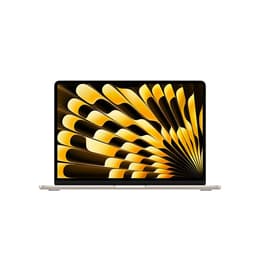
Refurbished price:$1,236.00
Versus $1,299.00 new
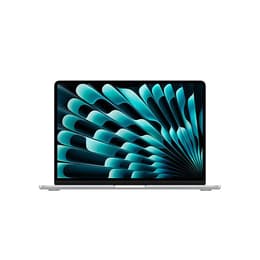
Refurbished price:$1,248.00
Versus $1,299.00 new
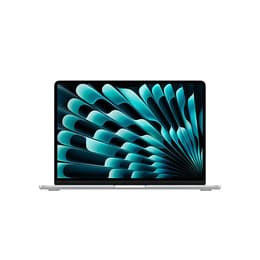
Refurbished price:$1,285.11
Versus $1,599.00 new
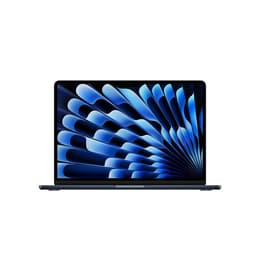
Refurbished price:$1,299.00
Versus $1,499.00 new
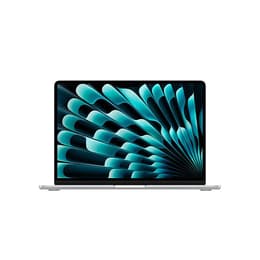
Refurbished price:$1,339.61
Versus $1,599.00 new
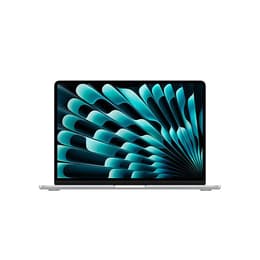
Refurbished price:$1,361.41
Versus $1,499.00 new
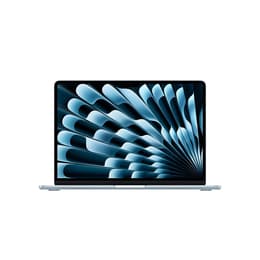
Refurbished price:$1,361.41
Versus $1,599.00 new
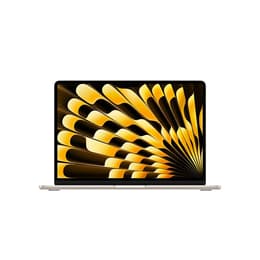
Refurbished price:$1,415.91
Versus $1,799.00 new
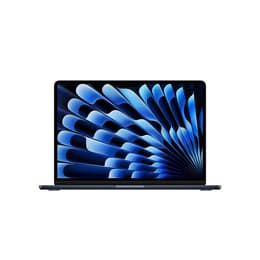
Refurbished price:$1,415.91
Versus $1,599.00 new
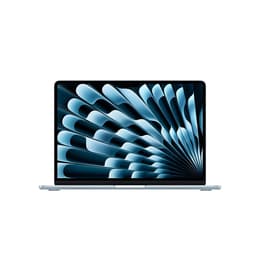
Refurbished price:$1,614.00
Versus $1,799.00 new
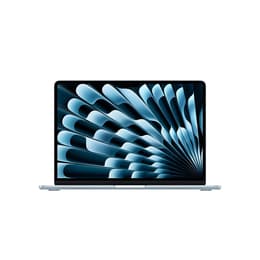
Refurbished price:$1,633.91
Versus $1,799.00 new
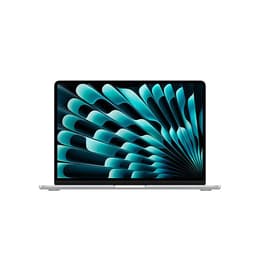
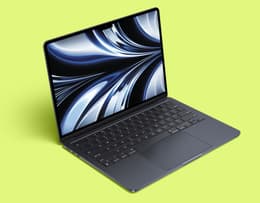
The MacBook Air M3 is the best value MacBook for students.
Pros ✅ | Cons ❌ |
|---|---|
Excellent value | Base model starts at 8GB of RAM |
Powerful M3 chip | Limited amount of ports |
All-day battery life | Not suitable for demanding workloads |
Highly portable | Memory and storage are not upgradable |
Apple Intelligence ready |
✨The MacBook Air M3 is the best-value MacBook for students because it’s new enough to feel current for years to come, yet old enough to be available with substantial savings on the refurbished market.
If you want the best balance of price and performance, the MacBook Air M3 is hard to beat. Released just a couple of years ago, it’s now widely available refurbished for much less than the price of newer models, while still offering features that will comfortably last through college. For most students, it delivers nearly everything you need without having to pay for the latest chip.
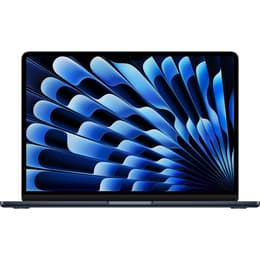
Available in 13-inch and 15-inch sizes, the MacBook Air M3 weighs just 2.7 lbs (13-inch) or 3.3 lbs (15-inch), making it easy to carry between lectures. Apple rates it for 18 hours of video playback or 15 hours of wireless web browsing, so you can get through a full day of classes without worrying about finding a power outlet — same as the Air M5.
The M3 chip offers more than enough performance for everyday college work, including research, note-taking, presentations, coding, photo editing, and light video editing. We recommend choosing a configuration with at least 16GB of unified memory and 512GB of SSD storage if your budget allows. Since the device’s memory can’t be upgraded later, 16GB gives you more room to multitask, use Apple Intelligence features as they become part of your daily workflow, and helps future-proof your laptop for the next 4 years. Meanwhile, 512GB of storage gives you plenty of space for coursework and creative projects.
The MacBook Air M3 is an excellent fit for most majors. It can even handle apps like Adobe Photoshop, Lightroom, light Premiere Pro editing, and software development with ease. However, if your coursework regularly involves complex 3D rendering, advanced engineering simulations, or professional video production, you’ll benefit from the sustained performance of a MacBook Pro instead.
The biggest reason to choose the MacBook Air M3 is its value. It offers the same premium design, excellent keyboard, bright Liquid Retina display, MagSafe charging, and all-day battery life that made the Air one of Apple’s leading laptops, but the Air M3 comes at a significantly lower price than the latest models. For students seeking a MacBook that will last throughout their degree without overspending for the latest features, the Air M3 is one of the smartest buys available.
Specifications | |
|---|---|
Processor | Apple M3 |
CPU cores | 8 |
GPU cores | 8 10 |
Memory (RAM) | 8GB 16GB 24GB |
Storage | 256GB 512GB 1TB 2TB |
Display size | 13.6 in 15.3 in |
Resolution | 2560 x 1664 2880 x 1864 |
Ports | 2x Thunderbolt 4 MagSafe 3 headphone jack |
Connectivity | Wi-Fi 6E, Bluetooth 5.3 |
Refurbished price:$862.00
Versus $1,099.00 new
Refurbished price:$959.00
Versus $1,099.00 new
Refurbished price:$1,012.00
Versus $1,499.00 new
Refurbished price:$1,016.00
Versus $1,299.00 new
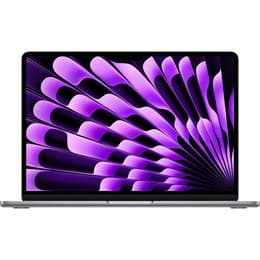
Refurbished price:$1,041.00
Versus $1,499.00 new
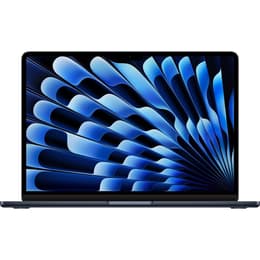
Refurbished price:$1,175.00
Versus $1,699.00 new
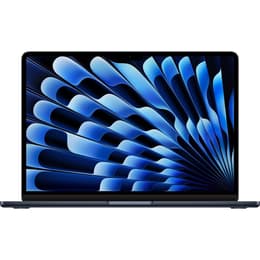
Refurbished price:$873.00
Versus $1,299.00 new
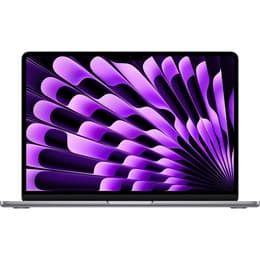
Refurbished price:$899.00
Versus $1,099.00 new

Refurbished price:$909.95
Versus $1,299.00 new
Refurbished price:$933.00
Versus $1,299.00 new
Refurbished price:$950.00
Versus $1,499.00 new

Refurbished price:$959.00
Versus $1,499.00 new
Refurbished price:$985.00
Versus $1,499.00 new
Refurbished price:$997.00
Versus $1,299.00 new
Refurbished price:$999.00
Versus $1,699.00 new
Refurbished price:$999.00
Versus $1,299.00 new
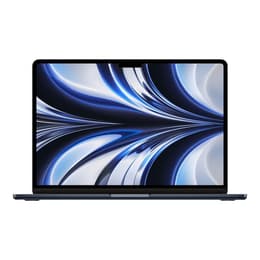
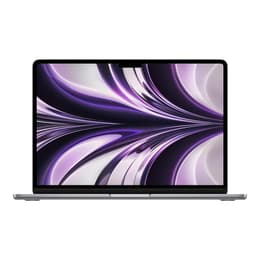
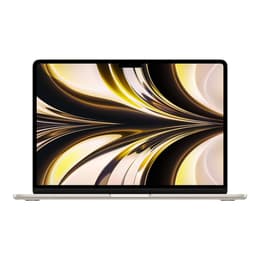
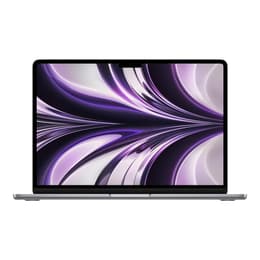
The MacBook Air M2 is the best budget MacBook for students.
Pros ✅ | Cons ❌ |
|---|---|
Excellent budget value | Base model starts at 8GB of RAM and 256GB of storage |
Powerful M2 chip | Limited amount of ports |
Lightweight and portable | The 256GB model has a slower SSD |
All-day battery life | Not designed for professional workloads |
Premium features | |
Supports Apple Intelligence |
✨The MacBook Air M2 is the best budget MacBook for students because it delivers premium Mac features, strong everyday performance, and better long-term value than entry-level alternatives at an affordable price for most students.
If your priority is to get the best MacBook for college for the least amount of money, the MacBook Air M2 is one of the smartest buys you can make. Released in 2022, it’s now widely available at discounted and refurbished prices, making it an excellent value without feeling outdated. For some, a 16GB MacBook Air M2 is actually a better long-term investment than the newer MacBook Neo because it offers a more powerful M-series chip, Thunderbolt connectivity, and more memory for future coursework. Since the memory can’t be upgraded later, 16GB of unified memory and 512GB of SSD storage is the ideal configuration to comfortably last through a 4-year degree.
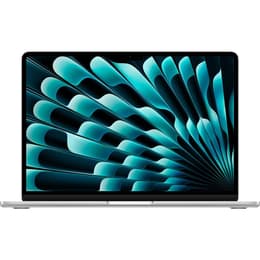
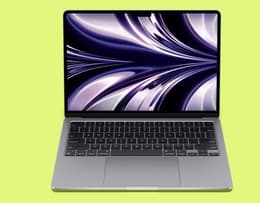
The 13.6-inch Liquid Retina display and lightweight 2.7-pound aluminum design make it very portable, while the fanless M2 chip is fast enough for research, multitasking, coding fundamentals, and even some creative work like using Photoshop and light video editing. It’s an excellent fit for business, education, nursing, journalism, and most liberal arts majors. It can also handle introductory programming, but students in engineering, architecture, data science, or professional video production should consider newer models like the MacBook Air M5 or the MacBook Pro.
The M2 Air also includes features that the MacBook Neo skips, including MagSafe charging, 2 Thunderbolt/USB 4 ports, and a P3 wide color Liquid Retina display that’s better suited for creative work. While it lacks an HDMI port and an SD card reader, most students can get by without them.
Overall, the MacBook Air M2 offers the best balance of price, portability, battery life, and performance for students who want a MacBook that’s affordable and will remain reliable throughout college. If you’reshopping on an even tighter budget, the MacBook Air M1 is another model you can consider for college.
Specifications | |
|---|---|
Processor | Apple M2 |
CPU cores | 8 |
GPU cores | 8 10 |
Memory (RAM) | 8GB 16GB 24GB |
Storage | 256GB 512GB 1TB 2TB |
Display size | 13.6 in 15.3 in |
Resolution | 2560 x 1664 2880 x 1864 |
Ports | 2x Thunderbolt 4 MagSafe 3 headphone jack |
Connectivity | Wi-Fi 6, Bluetooth 5.3 |
Refurbished price:$625.00
Versus $1,199.00 new
Refurbished price:$643.00
Versus $1,199.00 new
Refurbished price:$660.00
Versus $1,199.00 new
Refurbished price:$755.67
Versus $1,399.00 new
Refurbished price:$658.00
Versus $1,199.00 new
Refurbished price:$785.00
Versus $1,399.00 new
Refurbished price:$859.00
Versus $1,899.00 new
Refurbished price:$632.00
Versus $1,499.00 new
Refurbished price:$648.00
Versus $1,499.00 new
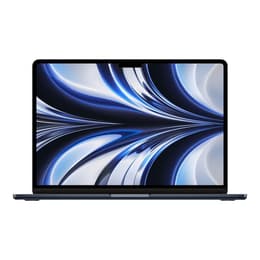
Refurbished price:$719.00
Versus $1,499.00 new
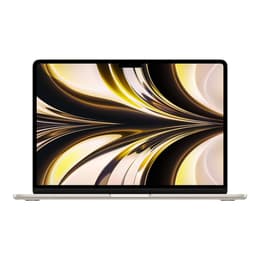
Refurbished price:$799.00
Versus $1,599.00 new
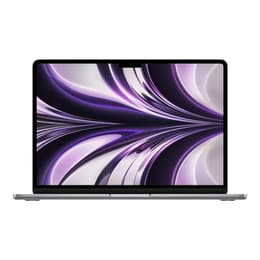
Refurbished price:$720.00
Versus $1,499.00 new
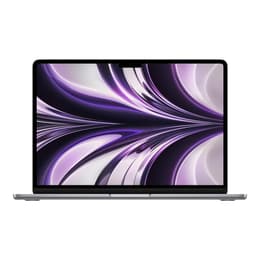
Refurbished price:$757.00
Versus $1,699.00 new
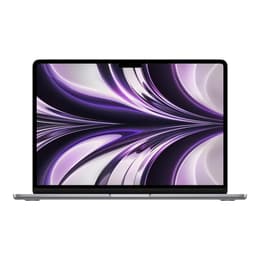
Refurbished price:$779.00
Versus $1,699.00 new
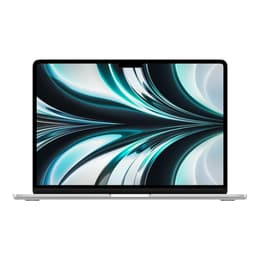
Refurbished price:$808.00
Versus $1,699.00 new
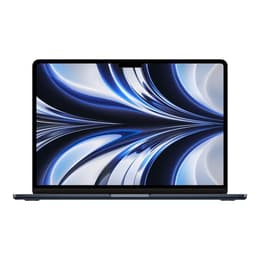
Refurbished price:$819.00
Versus $1,599.00 new
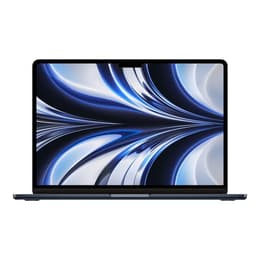
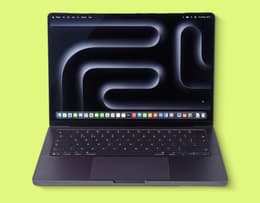
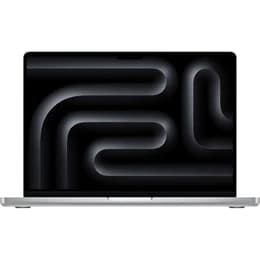
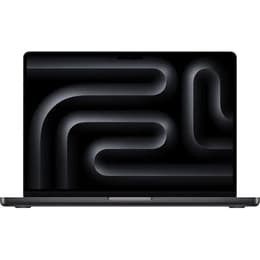
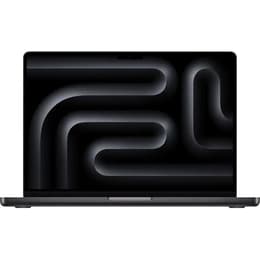
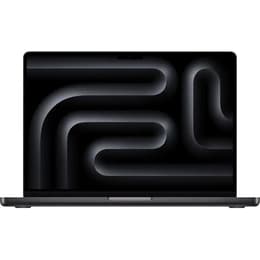
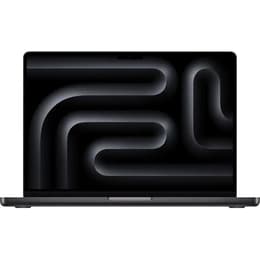
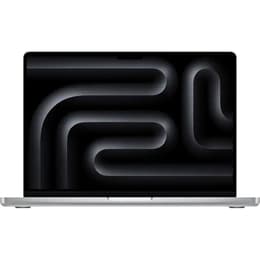
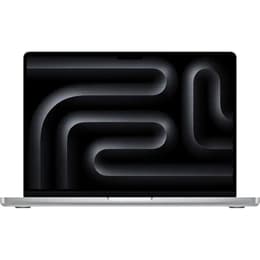
The MacBook Pro M5 is the best performance MacBook for students.
Pros ✅ | Cons ❌ |
|---|---|
Exceptional performance | Expensive |
Best display on a MacBook | Overkill for most students |
All-day battery life | No upgradability, and upgrades at purchase are costly |
Excellent port selection | Incremental upgrade over the Pro M4 |
Built for sustained workloads |
✨The MacBook Pro M5 is the best choice for students who need workstation-level performance for demanding coursework without sacrificing portability or all-day battery life.
“... the MacBook Pro is great for those who need higher-level processing and graphics performance for content creation, graphic design, advanced STEM work and gaming.” - CNET
If you’re studying engineering, architecture, computer science, data science, film production, graphic design, animation, music production, or other demanding courses, the MacBook Pro M5 is built to keep up. The 14-inch model strikes the best balance between portability and power, weighing around 3.4 lbs, so it’s still easy to carry around campus while giving you extra screen space for your work. Apple rates the MacBook Pro M5 for up to 24 hours of video streaming or 16 hours of wireless web browsing, meaning it can comfortably get you through a full day of lectures on a single charge.
The base model includes 16GB of unified memory and 1TB of SSD storage, making it a great fit for students working with software such as MATLAB, AutoCAD, Adobe Premiere Pro, Photoshop, DaVinci Resolve, and large datasets. Unlike the MacBook Air, the Pro’s active cooling system keeps it running at high performance during long rendering, compiling, exporting, or simulation sessions without slowing down. Its Liquid Retina XDR display with ProMotion technology (a 120Hz screen refresh rate) delivers smoother scrolling and exceptional color accuracy, making it useful for design, photography, video editing, and other visually demanding coursework. Plus, with 3 Thunderbolt ports, HDMI, an SDXC card slot, MagSafe 3, and a headphone jack, you can connect external displays, cameras, projectors, and storage devices without relying on multiple adapters or dongles.
Before choosing a MacBook Pro for an engineering or technical degree, though, check your department’s software requirements. Some engineering and architecture programs rely on Windows-only applications, so you may be better off with one of our Windows laptops. Additionally, the MacBook Pro M4 is an excellent alternative to the M5. It delivers many of the same benefits, including sustained performance, a premium display, long battery life, and plenty of power for demanding coursework. It offers a smart way to save money without compromising on the features you’ll use every day.
Specifications | |
|---|---|
Processor | Apple M5 |
CPU cores | 10 |
GPU cores | 10 |
Memory (RAM) | 16GB 24GB 32GB |
Storage | 1TB 2TB 4TB |
Display size | 14.2 in |
Resolution | 3024 x 1964 |
Ports | 3x Thunderbolt 4 MagSafe 3 headphone jack SDXC card slot HDMI Display port |
Connectivity | Wi-Fi 6E, Bluetooth 5.3 |
Refurbished price:$1,837.00
Versus $1,999.00 new
Refurbished price:$1,725.00
Versus $1,999.00 new
Refurbished price:$1,725.00
Versus $1,999.00 new
Refurbished price:$1,742.91
Versus $1,999.00 new
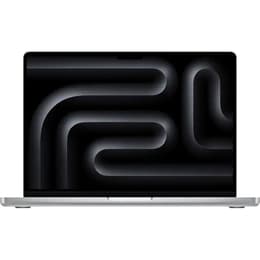
Refurbished price:$2,006.00
Versus $2,199.00 new
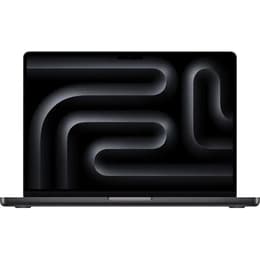
Refurbished price:$2,105.00
Versus $2,199.00 new
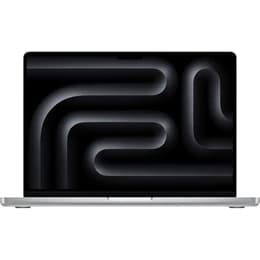
Refurbished price:$2,130.00
Versus $2,199.00 new
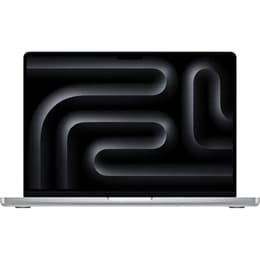
Refurbished price:$2,380.00
Refurbished price:$2,380.00
Refurbished price:$2,399.99
Versus $2,599.00 new
Refurbished price:$2,919.00
Versus $3,499.00 new
Refurbished price:$3,035.00
Versus $3,899.00 new
Refurbished price:$3,079.00
Versus $3,899.00 new
Refurbished price:$3,113.00
Versus $4,049.00 new
Pros ✅ | Cons ❌ |
|---|---|
Most affordable new MacBook | Only 8GB of RAM |
Excellent everyday performance | Missing premium Mac features |
Lightweight and portable | Limited amount of ports |
Long battery life | Not designed for demanding majors |
Ideal for everyday majors | Questionable long-term value |
Premium build quality |
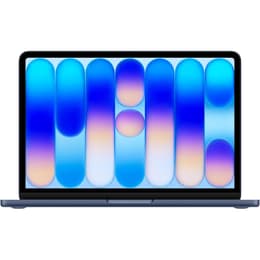
✨The MacBook Neo is the best new budget MacBook for students who need a reliable laptop for everyday coursework but don’t require the extra power of a MacBook Air or Pro.
If you’re shopping on a tight budget but still want the latest MacBook, the MacBook Neo is the best choice. It’s designed for students who mainly need a reliable laptop for note-taking, essays, research, web browsing, streaming, and light creative work. With a 13-inch Liquid Retina display and a light 2.7-pound aluminum design, it’s light enough to carry around campus for the whole day. Apple rates it for 16 hours of video streaming, making it capable of lasting through a full day of classes without needing a charge.
Powered by the A18 Pro chip, the Neo feels fast for everyday schoolwork and comes with 8GB of unified memory and either 256GB or 512GB of SSD storage. That’s plenty for students studying business, education, communications, or social sciences, and for anyone who primarily uses Microsoft Office, Google Workspace, and other web-based tools. It can also handle light photo editing and basic 1080p video projects, making it a good entry point for beginner creators.
To reach its lower price, though, Apple made a few adjustments. The Neo drops features like MagSafe charging, Thunderbolt ports, a backlit keyboard, and the MacBook Air’s wider P3 color gamut, while its 8GB RAM limit is non-upgradable. That’s the biggest trade-off. For everyday student tasks, most people find that the Neo performs well thanks to Apple’s efficient hardware and software integration. However, if you expect to keep your laptop for a 4-year degree and regularly work with memory-intensive apps like advanced coding environments, large datasets, 3D design, and video editing, the MacBook Air M4 or Air M5 are safer long-term investments. Ultimately, the Neo is best viewed as a budget Mac built for everyday productivity rather than a laptop useful for demanding professional workloads.
Specifications | |
|---|---|
Processor | A18 Pro |
CPU cores | 6 |
GPU cores | 5 |
Memory (RAM) | 8GB |
Storage | 256GB 512GB |
Display size | 13 in |
Resolution | 2408 x 1506 |
Ports | 2x USB-C headphone jack |
Connectivity | Wi-Fi 6E, Bluetooth 6 |
Refurbished price:$647.00
Versus $699.00 new
Refurbished price:$799.00
Refurbished price:$609.31
Versus $699.00 new
Refurbished price:$659.00
Versus $699.00 new
Refurbished price:$699.00
Versus $799.00 new
Refurbished price:$729.00
Versus $799.00 new
Refurbished price:$794.61
Refurbished price:$699.00
Back Market price | $1149 | $799 | $580 | $1799 | $669 |
Price of new | $1,299.99 | $1,299.99 | $1,199.99 | $1,999.99 | $699.99 |
Processor | Apple M5 | Apple M3 | Apple M2 | Apple M5 | A18 Pro |
CPU cores | 10 | 8 | 8 | 10 | 6 |
GPU cores | 10 | 8, 10 | 8, 10 | 10 | 5 |
Memory (RAM) | 16GB, 24GB, 32GB | 8GB, 16GB, 24GB | 8GB, 16GB, 24GB | 16GB, 24GB, 32GB | 8GB |
Storage | 512GB, 1TB, 2TB, 4TB | 256GB, 512GB, 1TB, 2TB | 256GB, 512GB, 1TB, 2TB | 1TB, 2TB, 4TB | 256GB, 512GB |
Display size | 13.6 in, 15.3 in | 13.6 in, 15.3 in | 13.6 in, 15.3 in | 14.2 in | 13 in |
Resolution | 2560 x 1664, 2880 x 1864 | 2560 x 1664, 2880 x 1864 | 2560 x 1664, 2880 x 1864 | 3024 x 1964 | 2408 x 1506 |
Ports | 2x Thunderbolt 4, MagSafe 3, headphone jack | 2x Thunderbolt 4, MagSafe 3, headphone jack | 2x Thunderbolt 4, MagSafe 3, headphone jack | 3x Thunderbolt 4, MagSafe 3, headphone jack, SDXC card slot, HDMI, Display port | 2x USB-C, headphone jack |
Connectivity | Wi-Fi 7, Bluetooth 6 | Wi-Fi 6E, Bluetooth 5.3 | Wi-Fi 6, Bluetooth 5.3 | Wi-Fi 6E, Bluetooth 5.3 | Wi-Fi 6E, Bluetooth 6 |
*Back Market prices taken at the date of publication — these are subject to change.
✨Choose a MacBook that matches your major and budget, prioritize 16GB of RAM and 512GB of storage for long-term value, and remember that for most students, a 13-inch MacBook Air offers the best balance of portability, performance, and price.
Choosing the right MacBook is less about buying the newest model and more about matching the laptop to your coursework, budget, and how you’ll use it every day. While the right chip and battery life areimportant considerations, every modern MacBook performs well and easily lasts through a full day of classes, so the biggest decision drivers are portability, performance, storage, and choosing a model that will still feel fast by graduation.
Unless you regularly work with split-screen apps or large spreadsheets, a 13-inch MacBook is the better choice for most students. It’s lighter, takes up less space on lecture hall desks, and is easier to carry around campus all day. A 15-inch model gives you more room for multitasking, but the larger footprint and extra weight make it slightly less convenient if you’re constantly moving between classes.
For most students comparing the MacBook Air vs MacBook Pro, the MacBook Air is the best choice for college. It’s lightweight, silent thanks to its fanless design, and powerful enough for everyday college coursework. Only consider a MacBook Pro if your coursework regularly involves sustained, demanding workloads like engineering simulations, software development, 3D modeling, architecture, or professional video editing. The Pro's active cooling system keeps it running at peak performance during rendering or compiling sessions that would otherwise slow a MacBook Air.
You must future-proof your MacBook if you expect it to last you through your 4-year degree. Prioritize at least 16GB of unified memory and 512GB of SSD storage. Since memory and storage can’t be upgraded later, buying enough at the start gives you more room for multitasking, larger assignments, Apple Intelligence features, and increasingly demanding apps over the coming years. While 256GB of storage may seem sufficient at first, coursework, creative projects, and software installations can fill it up surprisingly quickly.
Your course requirements should influence your decision more than any benchmark score. Business, education, nursing, communications, and liberal arts students will be served well by a MacBook Air. Students studying engineering, architecture, computer science, data science, or professional media production should consider a higher-spec MacBook Air or a MacBook Pro, depending on the software they’ll use. Before buying, check your department’s hardware recommendations, as some engineering and architecture programs still require Windows-only applications.
One of the easiest ways to enjoy back-to-school MacBook deals is to buy refurbished and take advantage of student discounts on Apple products. Back Market already offers significant discounts year-round compared to buying new, and eligible students and educators can receive an additional student discount on qualifying purchases. Throughout the year, we also run seasonal promotions and flash sales, allowing you to save even more on a MacBook without compromising on quality.
If you’re planning to upgrade your MacBook, Back Market’s trade-in program lets you turn your old device into cash instead of leaving it in a drawer. Whether it’s a MacBook, smartphone, tablet, or another eligible device, you can get an instant trade-in estimate based on its model and condition. The process is simple. Start by selecting your device and answering a few questions about its condition to receive a quote. If you’re happy with the offer, ship your device to us for free, and once it’s been inspected and verified, you’ll receive payment. You can then put that money toward a refurbished MacBook from Back Market, making it an easy way to save on your next purchase while also giving your old tech a second life.
The best MacBook for college ultimately depends on what you study, how long you plan to keep your laptop, and how much you want to spend. For most students, the MacBook Air M5 remains the standout choice thanks to its excellent balance of performance, portability, battery life, and long-term value.
If you’re looking for the lowest-cost way into the Apple ecosystem, the MacBook Air M2 and MacBook Neo are capable options for everyday coursework, note-taking, research, and web-based tasks. Students with demanding workloads such as engineering, architecture, software development, or professional media production should consider the MacBook Pro, which offers sustained performance and advanced features needed for more intensive applications. Whichever model you choose, focus on buying the MacBook that fits your needs rather than simply buying the newest or the most powerful option.
For many students, a refurbished MacBook can be the smartest purchase, offering the same great macOS experience at a significantly lower price. At Back Market, every device is professionally refurbished, thoroughly tested, backed by a 1-year warranty, and covered by a 30-day return period, helping you get more value for your money while reducing e-waste. Whether you choose a Neo, Air, or Pro, the right MacBook should comfortably support you from your first lecture to graduation.