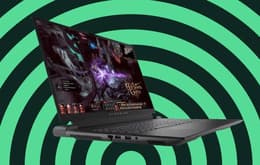
(1)
Refurbished price:$402.00
Versus $699.99 new

Updated on March 9, 2026
March 9, 2026
11 mins read

Miguel G.
Sr. Tech Copywriter (US)
Here are our recommendations if you're looking for the best cheap laptop from trusted brands without compromising on quality. We've chosen some of the top options in several categories, from basic everyday tasks to business use, college courses, and gaming. You'll discover the pros and cons of each, along with detailed specifications to help you find the most suitable one for your particular needs.

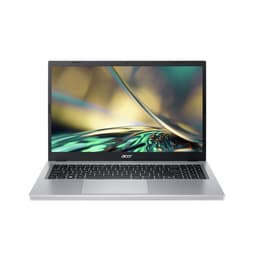
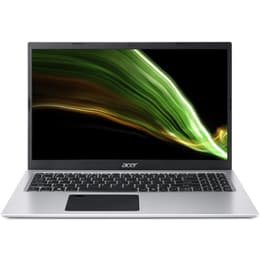
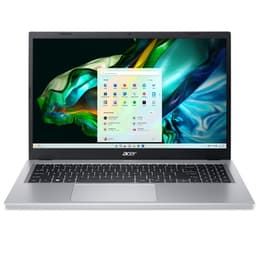
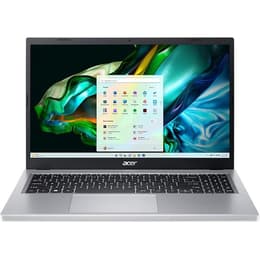
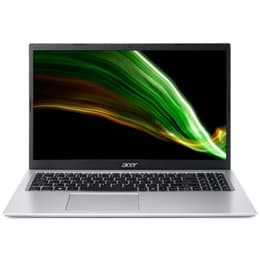
Acer Aspire 3
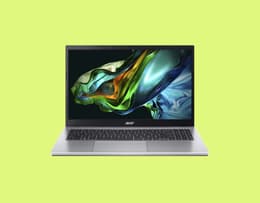
A very affordable everyday laptop for everyday tasks. Simple and effective with smooth performance and decent battery life.
Lenovo IdeaPad 3 Chromebook
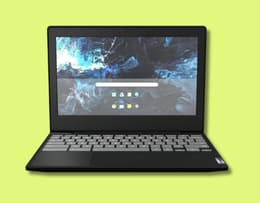
A compact choice for carrying on campus, researching, and writing papers.
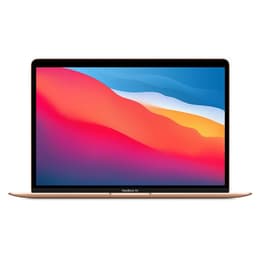
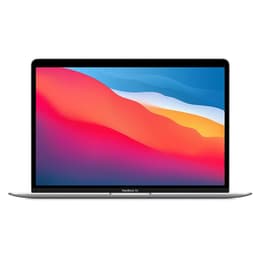
Apple MacBook Air M1

A few generations old, but still one of the best lightweight laptops out there, offering Apple quality at a reasonable price.
Acer Aspire 5
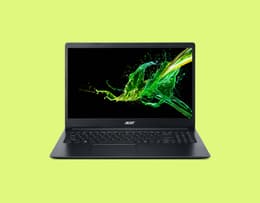
Good balance between low price and performance. A dependable, well-designed laptop ideal for busy professionals.
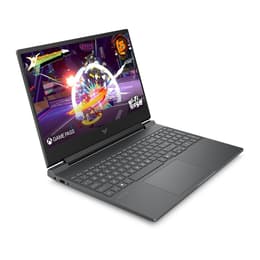
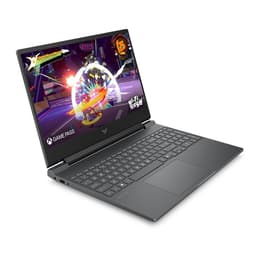
HP Victus 15

Decent screen and impressive build quality meet excellent battery life in an entry-level gaming laptop.
As the best basic laptop for everyday use, we go with the Acer Aspire 3 for its overall performance and battery life. College students will find the Lenovo IdeaPad 3 Chromebook a reliable campus companion. The MacBook Air M1 now makes an affordable choice for Apple fans, while the HP Victus 15 is a great entry-level gaming laptop. For business professionals, the budget-priced Acer Aspire 5 ticks all the boxes for dependable performance.
Our in-house reviewers are all experts in the technologies they examine and review. We're one of the world's leading online marketplaces for refurbished electronics, using highly accomplished third-party refurbishers who micro-inspect every detail of the products we sell. Their testing and feedback give us a deep knowledge base to draw on when creating these lists.
We're also completely agnostic, not favoring any brand over another, so you can trust our objectivity. We don't play favorites, treating each laptop on its own merits without any sort of bias. Furthermore, we also track user feedback and reviews on our platform to gauge popularity and the pros and cons of each item. Our goal is to always give you full transparency and knowledgeable opinions so that you can make informed decisions.

The Acer Aspire 3 is a cheap, reliable, and effective everyday laptop.
Pros ✅ | Cons ❌ |
|---|---|
Smooth daily performance | Design a bit dated |
Very good battery life | Could do with a richer display |
Solid Wi-Fi connectivity | Somewhat limited storage capacity |
Very competitive price |
The Acer Aspire 3 has all the features you'll need in an everyday laptop. It executes day-to-day tasks smoothly and effortlessly and is suitable for virtually everyone. It has a decent amount of processing power and a relatively extensive battery life. This laptop offers excellent value for its price point: you can get a perfectly functional refurbished model for under $440 on Back Market. It doesn't have a premium design or a top-end display, but you still get everything you need for web browsing, communication, home use, and home office work. If all you want is a basic, affordable laptop, this is the pick of the bunch. It's cost-effective, reliable, and runs smoothly.
Chipset: AMD Ryzen 3 7320U
Operating system: Windows 11 Home
Processor speed: 2.4 GHz
RAM: 8 GB
Storage: 128 GB
Screen size: 15.6 in
Display: 1920 x 1080
Graphics processor: AMD Radeon Graphics
Battery life: Up to 17 hours
Connectivity: Wi-Fi 6, Bluetooth 5.2
Dimensions: 0.75 x 14.3 x 9.4 inches
Weight: 3.77 lbs
The Acer Aspire 3 everyday performance
"… this Aspire is a simple and effective Windows laptop that delivers smooth performance on everyday tasks, making it our pick for the Best Budget Laptop for just about anyone." - PCMag

Refurbished price:$402.00
Versus $699.99 new
Refurbished price:$415.00
Refurbished price:$474.00
Versus $593.98 new

Refurbished price:$494.00
Refurbished price:$552.00
Versus $787.00 new

Refurbished price:$569.99
Versus $769.99 new
Refurbished price:$574.00
Versus $629.98 new

Refurbished price:$620.00
Versus $885.00 new
Refurbished price:$702.00
Versus $950.00 new
Refurbished price:$815.00

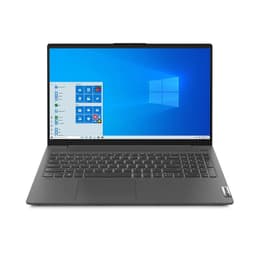
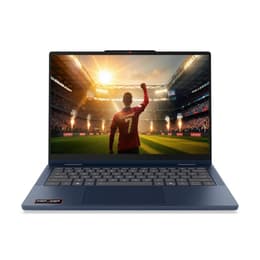
The Lenovo IdeaPad 3 Chromebook is a capable campus companion.
Pros ✅ | Cons ❌ |
|---|---|
Easy portability | Touchpad doesn't always track accurately |
Very decent battery life | Only runs Android apps |
Bright, sharp display |
The Lenovo IdeaPad 3 Chromebook is an affordable and lightweight machine that makes an ideal affordable laptop for college students. It's compact and easy to carry around. While it won't support resource-intensive course work, software for graphic design, or data modeling, it's great for note-taking, research, and other course work like writing papers, creating spreadsheets, and giving presentations. It also has an excellent 1080p webcam for collaborating with other students on projects. The full high definition (FHD) touchscreen is a very useful bonus. The only noticeable drawback is that it can slow down when running too many different apps simultaneously.
Chipset: Intel Core i3-N305
Operating system: ChromeOS
Processor speed: 1.1 GHz
RAM: 8 GB
Storage: 64 GB / 128 GB / 256 GB
Screen size: 14 in
Display: 1920 x 1080 with 60Hz Touchscreen
Graphics processor: Intel UHD Graphics
Battery life: Just over 13 hours
Connectivity: Wi-Fi, Bluetooth
Dimensions: 0.71 x 11.28 x 8.09 inches
Weight: 2.47 lbs
Using the Lenovo IdeaPad Chromebook
" The Lenovo IdeaPad Slim 3i Chromebook 14 (2023) is the best laptop for students we've tested in the cheap category." - RTINGS.com

Refurbished price:$414.00
Versus $969.99 new
Refurbished price:$471.00
Versus $899.98 new
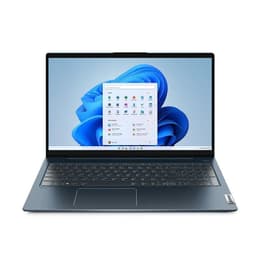
Refurbished price:$599.00
Refurbished price:$678.00
Versus $773.98 new
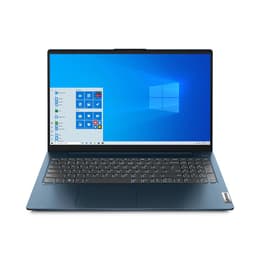
Refurbished price:$713.00
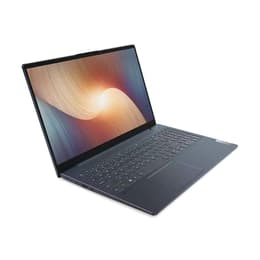
Refurbished price:$835.00
Versus $950.38 new
Refurbished price:$1,157.99
Versus $1,399.99 new

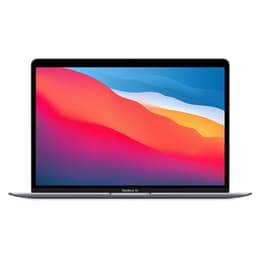
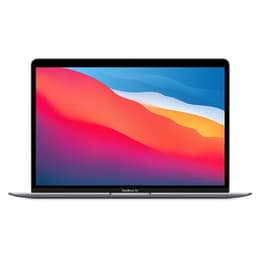
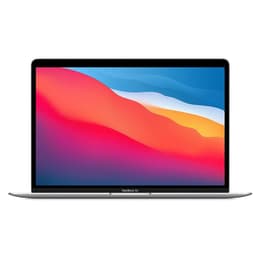
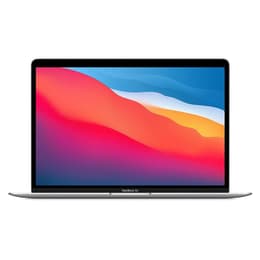
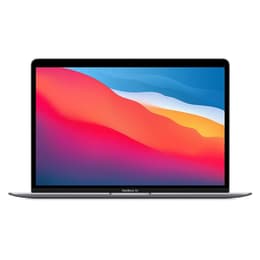
The MacBook Air M1 remains a highly capable premium laptop.
Pros ✅ | Cons ❌ |
|---|---|
Excellent value for a MacBook | Only 2 USB ports, one used for charging (no MagSafe charging point) |
Exceptionally long battery life | No touch screen option |
Ultra-slim design with impressive build quality | Design may seem outdated to some |
Premium quality keyboard and touchpad | Webcam only has 720p resolution |
Very sharp display resolution |
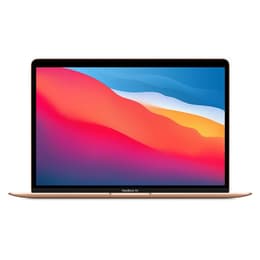
The 2020 MacBook Air makes an excellent choice for Apple fans looking for a cheaper alternative to the latest MacBook prices. It retains very impressive credentials and now represents some of the best value you can get in a Mac. It has been one of the most popular models since its release, thanks to its ultra-slim design, its lightweight portability, and the performance power of the M1 chip. Furthermore, it has a wonderfully responsive keyboard and one of the best touchpads you'll find on any laptop. Its Retina display is exceptionally sharp with a higher resolution than most mainstream laptops, even in 2026. Having been superseded by newer models, you can pick up this gem of a laptop at great prices today.
Chipset: Apple M1
Operating system: Apple macOS
Processor speed: 3.2 GHz
RAM: 8 GB
Storage: 256 GB
Screen size: 13.3 in
Display: 2560 x 1600
Graphics processor: Apple M1
Battery life: Roughly 29 hours
Connectivity: Wi-Fi, Bluetooth
Dimensions: 0.63 x 11.97 x 8.36 inches
Weight: 2.8 lbs
The ultra-slim Apple MacBook Air M1
The MacBook Air with the M1 chip is the most impressive laptop I’ve used in years." - The Verge

Refurbished price:$408.00
Versus $999.00 new
Refurbished price:$439.00
Versus $999.00 new
Refurbished price:$498.00
Versus $1,199.00 new
Refurbished price:$788.00
Versus $1,199.00 new
Refurbished price:$440.00
Versus $999.00 new
Refurbished price:$435.29
Versus $999.00 new
Refurbished price:$481.00
Versus $999.00 new
Refurbished price:$582.79
Versus $1,399.00 new
Refurbished price:$480.00
Versus $1,249.00 new
Refurbished price:$557.00
Versus $1,449.00 new
Refurbished price:$471.00
Versus $1,449.00 new
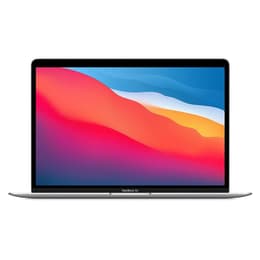
Refurbished price:$495.00
Versus $1,249.00 new
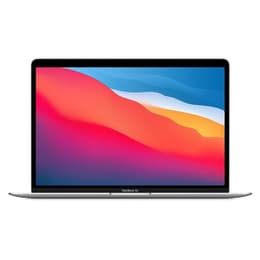
Refurbished price:$799.00
Versus $1,399.00 new
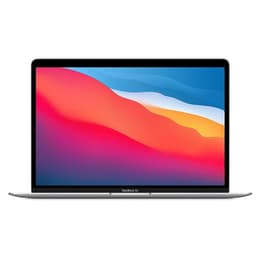
Refurbished price:$799.00
Versus $1,649.00 new
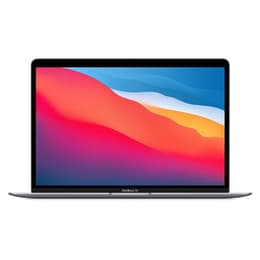
Refurbished price:$579.95
Versus $1,249.00 new
Refurbished price:$644.95
Versus $899.00 new

The Acer Aspire 5 blends affordability with good performance.
Pros ✅ | Cons ❌ |
|---|---|
Very affordable price | Not a high-performance laptop |
Sturdy build quality | Limited ports |
Vividly bright display | Basic 720p webcam |
Comfortably handles routine office work | Comparatively short battery life |
The Acer Aspire 5 is a solid and dependable entry-level refurbished business laptop for a very reasonable cost. It's universally rated as one of the best affordable laptops for everyday business productivity and office use. It feels solidly built, with a robust chassis that easily shrugs off the occasional bump on business trips. The screen resolution is clear and bright with a non-reflective matte finish to reduce glare in daylight. While it slows down somewhat when running resource-hungry software, it's still a perfectly good office laptop for non-specialized work and running productivity suites like Microsoft 365. Its relatively light weight makes it comfortable to carry around all day long on business.
Chipset: Intel Core i5
Operating system: Windows 11
Processor speed: 1.7 GHz
RAM: 8 GB
Storage: 512 GB
Screen size: 14 in
Display: 1920 x 1080
Graphics processor: Iris Xe
Battery life: About 6.5 hours
Connectivity: Wi-Fi 6, Bluetooth 5.0
Dimensions: 0.71 x 12.9 x 8.8 inches
Weight: 3.75 lbs
The Acer Aspire 5 for office use
"We've long championed the Acer Aspire 5 for anyone looking for a cheap laptop that manages to balance a low price with good performance." - TechRadar


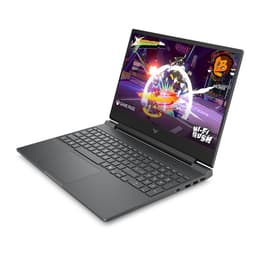
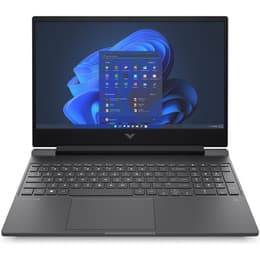
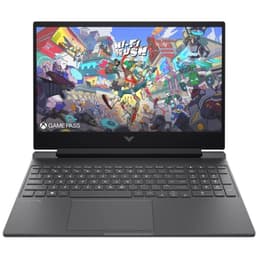
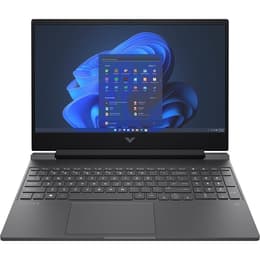
The HP Victus 15 is a surprisingly good entry-level gaming laptop.
Pros ✅ | Cons ❌ |
|---|---|
Affordable gaming abilities | Doesn't handle very high-end games with demanding graphics |
Decent gaming screen | Upgrades can boost the price out-of-budget range |
Very good battery life | Plastic build |
Comfortable gaming keyboard |
The HP Victus 15 is an excellent choice for an entry-level gaming laptop. Even in its basic configuration, it can handle many modern games, including RPGs and first-person shooters. This is somewhat of a purpose-built laptop, designed specifically for gaming. It's also a great platform for add-on features. Inserting a more powerful graphics card will boost it into a more capable configuration, for instance. It has a satisfyingly long battery life, and the frame-refresh rate is decent enough to handle local and online play. Bump-ons run along the entire width underneath, creating a stable physical platform. While it is a bit more expensive than the other laptops in this list, as an entry-level model, it's still decidedly cheap for a gaming laptop.
Chipset: Intel Core i7
Operating system: Windows 11
Processor speed: 4.7 GHz
RAM: 16 GB
Storage: 512 GB
Screen size: 15.6 in
Display: 1920 x 1080
Graphics processor: RTX 4050 with 6 GB VRAM
Battery life: Just under 6 hours of gaming
Connectivity: Wi-Fi 6, Bluetooth 5.3
Dimensions: 0.93 x 14.09 x 10.04 inches
Weight: 5.06 lbs
Gaming on an HP Victus 15
"The HP Victus 15 will play most of today’s AAA games at medium settings, and the 1080p screen is fast enough to satisfy fans of fast-paced shooters." - PCWorld

Refurbished price:$746.99
Versus $999.99 new
Refurbished price:$806.00
Versus $999.99 new
Refurbished price:$832.99
Versus $999.99 new
Refurbished price:$1,041.99
Refurbished price:$1,268.99
Versus $1,499.99 new
Refurbished price:$1,355.00
Versus $1,995.00 new
Feature | Lenovo IdeaPad 3 Chromebook | HP Victus 15 | |||
|---|---|---|---|---|---|
Chipset | AMD Ryzen 3 7320U | Intel Core i3-N305 | Apple M1 | Intel Core i5 | Intel Core i7 |
Operating system | Windows 11 Home | ChromeOS | Apple macOS | Windows 11 | Windows 11 |
Processor speed | 2.4 GHz | 1.1 GHz | 3.2 GHz | 1.7 GHz | 4.7 GHz |
RAM | 8 GB | 8 GB | 8 GB | 8 GB | 16 GB |
Storage | 128 GB | 64 GB / 128 GB / 256 GB | 256 GB | 512 GB | 512 GB |
Screen size | 15.6 in | 14 in | 13.3 in | 14 in | 15.6 in |
Display | 1920 x 1080 | 1920 x 1080 | 2560 x 1600 | 1920 x 1080 | 1920 x 1080 |
Graphics processor | AMD Radeon Graphics | Intel UHD Graphics | Apple M1 | Iris Xe | RTX 4050 (6 GB VRAM) |
Battery life | Up to 17 hours | Just over 13 hours | Roughly 29 hours | About 6.5 hours | About 6 hours gaming |
Connectivity | Wi-Fi 6, Bluetooth 5.2 | Wi-Fi, Bluetooth | Wi-Fi, Bluetooth | Wi-Fi 6, Bluetooth 5.0 | Wi-Fi 6, Bluetooth 5.3 |
Dimensions | 0.75 x 14.3 x 9.4 in | 0.71 x 11.28 x 8.09 in | 0.63 x 11.97 x 8.36 in | 0.71 x 12.9 x 8.8 in | 0.93 x 14.09 x 10.04 in |
Weight | 3.77 lbs | 2.47 lbs | 2.8 lbs | 3.7 lbs | 5.06 lbs |
Back Market Price | $240* | From $172* | $450* | $450* | $450* |
New Price | $399.99 | $341.98 | $999.00 | $789.00 | $1995.00 |
You save | 40% | 47% | 60% | 43% | 44% |
*Prices written at time of publication. Prices can change daily (subject to change).
Among the most valuable shopping tips we can give you is to choose one of our refurbished laptops rather than buying new ones for two powerful reasons.
First, consider the savings. You'll pay much less than you would if you bought these laptops new. You can save as much as 50% on the recommended retail price when you shop on Back Market, and these are every bit as good as new ones. They've been diligently restored to their original performance benchmarks by our expert, verified, third-party refurbishers. After this best-in-class restoration, the laptops are put through a battery of exacting tests using our 100-point quality inspection process to ensure peak performance. We put our money where our mouths are on this by giving you a 1-year warranty and free 30-day returns. We also offer a BackUp protection plan for longer-term assurance. Second, by choosing a refurbished laptop, you'll be part of breaking the unsustainable cycle of disposable fast tech. Every item bought through us would otherwise have become electronic waste. You can enjoy your new laptop while feeling good about reducing your own carbon footprint and contributing to an eco-friendlier digital economy.
As for the best cheap laptop to get? That's a matter of personal choice, depending on what you need. Read up a bit more on the ones in our list and ask around for personal opinions. You can also check our customer reviews for more insights. We've selected our recommendations for the best ones to get, but if all you want is something really cheap, then check out our Chromebook selection for a laptop under 100.
✨ If you want a great discount on a reputable laptop AND do your part for the environment, refurbished is the way to go.
You can save even more on a replacement laptop by trading in your old one or any other electronic device you don't use anymore. It's quick and easy: fill in a short form giving us the specs, and you'll instantly receive an offer from one of our refurbishment partners. We'll pay for you to ship it to us, and within 5 business days your payment will arrive.
We’ve given you the lowdown on recommended cheap laptops for some of the most common uses, but our selection goes well beyond these models. You might need a laptop for something entirely different, like rugged outdoor work or 3D modeling. On Back Market, you’ll always find some of the best laptop deals around, with amazing discounts on top-quality machines. Browse whenever you need to—with us,the savings never stop.
Miguel is always looking for new ways to provide unique perspective on popular tech and has taken his writing to the refurbished industry to promote sustainability. Outside of creating content, you might find him travelling the globe, coaching a fitness class, or cheering on his favorite sports teams (Go Dolphins!)